

Setup MS Direct Routing
 Fiber · Internet · Cloud · Voice
Configure Microsoft Direct Routing
This Initial Setup guide will walk you through configuring Direct Routing in The Portal.
Direct Routing is a Microsoft Teams-only offering. To set up Direct Routing, you will complete the following stages:
1. Get or Verify Your Microsoft Licensing
2. Validate Your Tenant & Configure Direct Routing
Once licensing is verified, you will install the Microsoft iPILOT App to assist in your tenant's automatic validation and configuration.
- Sign in to The Portal using SSO or your credentials. (If this is your first time signing in, complete the quick introduction walkthrough.)
-
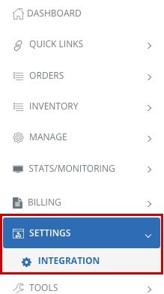
Navigate to Settings > Integration.
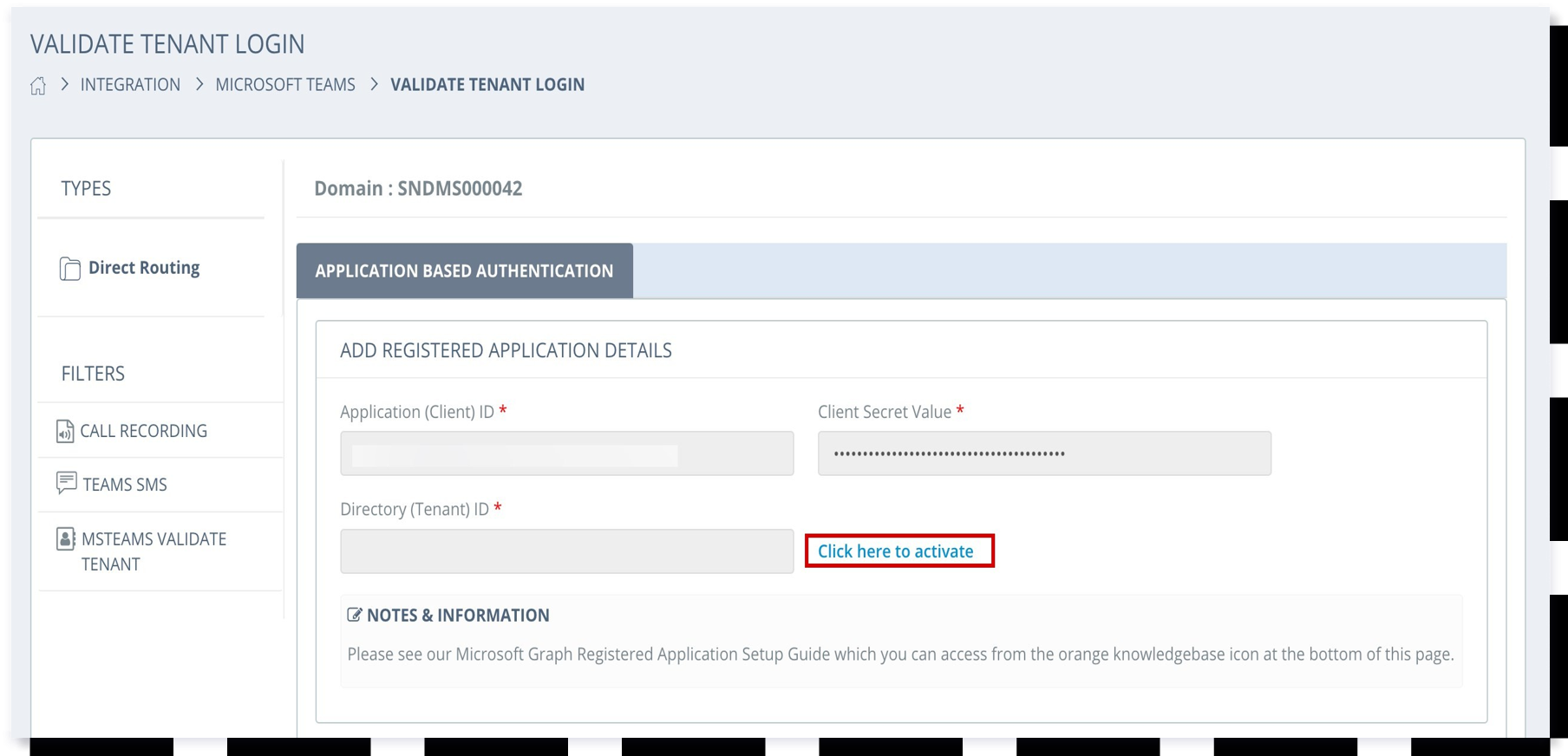
- Select MSTEAMS Validate Tenant.
-
In the Add Registered App Details section, select Click here to activate.
IMPORTANT: When activating, you must authenticate as a Global Administrator in the tenant where you are configuring Direct Routing.
-
This will start the installation of the new App. Click Accept to install the App.
-
The Microsoft iPILOT App requires the Teams Administrator role to validate and configure Direct Routing successfully.
Go to Azure Active Directory > Roles & Admins and select Roles & Admins. Under Administrative roles, search for Teams Administrator, select its checkbox, and click Add Assignment.
Search for the iPILOT App, confirm the App ID is
0c88dfb3-a8b1-419d-b6fb-0956cdd5790d, select it, and click Add. - Navigate back to The Portal. You should see the VALIDATED status for each region once successfully configured. You're ready to start assigning users phone numbers and testing services!
3. Microsoft iPILOT App Permission Reduction (Optional)
Permission reduction supports standard security practices.
Domain.ReadWrite.AllUser.ReadWrite.AllAdditional Information: MFA & Trusted IP Addresses
If you choose to enable Multi-Factor Authentication (MFA) for your Service Account or have other conditional policies, you must add the following IP addresses to the trusted section in the MFA Service Settings or from your conditional access policies:
| North America | Europe |
|---|---|
204.10.95.128/25 |
66.178.136.192/27 |
74.119.9.32/27 |
66.178.137.192/27 |
204.10.94.64/27 |
— |